Daycare Billing Software: What It Does, What It Costs, and How to Choose (2026)
It is the 3rd of the month. Four families have not paid, one card expired, a subsidy agency covers 60% of another child’s tuition and you are working out the family’s half on a calculator. Meanwhile next month’s invoices still need building — the same ones you built last month, and the month before.
Childcare billing software exists to delete that loop. Not to make it faster — to remove it. This guide covers what it automates, what it costs in 2026, how it differs from generic accounting tools, and the five questions that separate software built for childcare from software that is not.
The short version
Billing software handles seven jobs: recurring invoices, auto-pay, late fees, discounts, subsidy splits, tax statements and accounting export.
The feature that separates real childcare billing from generic invoicing is subsidy co-pay splitting. Ask about it first.
Most vendors do not publish pricing — they quote by centre size, and several charge extra for full billing.
MyKidReports is free for up to 5 enrolled children, then $0.99 per enrolled child per month, every feature on every plan.
Migration is the real switching cost. Ask who does it and what it costs.
Start free — up to 5 children →
No card required. No contract.
What childcare billing software actually does
It automates parent invoicing, payment collection and all the follow-up around both. You set a rate plan once — weekly, biweekly or monthly — and from then on the system generates each invoice on schedule, charges the family’s saved card or bank account, applies your late fee if a payment fails, sends the reminder, and writes every transaction to a ledger you can reconcile or export.
The director’s job changes from doing the billing to handling exceptions — the one family that needs a payment plan, the one card that needs updating. Everything else runs without you.
Childcare billing software vs generic accounting tools
Plenty of programs start out billing through QuickBooks, Wave or a spreadsheet. Those tools are good at accounting. They do not understand enrollment, which is where childcare billing gets complicated.
| The situation | Generic accounting tool | Childcare billing software |
|---|---|---|
| A child attends 3 days a week, not 5 | You calculate and enter it manually | Rate plan handles it from the schedule |
| Two siblings enrolled, 10% off the second | Manual line-item adjustment each cycle | Discount rule applies itself |
| A voucher covers part of tuition | You split it by hand, every month | Agency and family shares split automatically |
| A family needs a year-end statement | You compile it from transaction history | Parent downloads it themselves |
| A child changes rooms mid-month | Prorate manually and hope it is right | Proration follows the enrollment change |
The seven billing jobs a childcare platform should handle
| Job | What good looks like | Why it matters |
|---|---|---|
| 1. Recurring invoicing | Rate plans by room, age group or schedule | Removes the monthly rebuild entirely |
| 2. Auto-pay | ACH bank transfer and card, family chooses | ACH costs less; both options lift on-time payment |
| 3. Late fees | Applied on your rules, reminder sent for you | Takes the awkward conversation off the director |
| 4. Discounts | Sibling, staff and scholarship credits per invoice | Stops the manual maths that causes disputes |
| 5. Subsidy splitting | CCDBG, CCAP and state vouchers split out | The biggest time sink if software cannot do it |
| 6. Tax statements | Year-end statement per family, self-serve | Kills the January flood of parent requests |
| 7. Accounting export | Clean export to your bookkeeper | Stops double entry at month end |
What an automated childcare invoice looks like
A well-built invoice answers every question a parent might email you about, which is why it gets paid faster. Here is the anatomy:
| Tuition — Ava M., Toddler Room, 3 days/week | $640.00 |
| Sibling discount (10%) | −$64.00 |
| Subsidy — state voucher (agency portion) | −$345.60 |
| Family portion due 1 Sep | $230.40 |
Illustrative example. Auto-pay charges the family portion only — the agency share never hits the family’s card.
How much childcare billing software costs in 2026
This is where comparison gets difficult. Most childcare platforms do not publish rates — they price by centre size and quote on request, and several separate billing into a paid add-on on top of the base fee. Two vendors can quote the same headline number and cost very different amounts once billing, per-staff fees and setup are included.
What MyKidReports costs
Free forever — up to 5 enrolled children, full billing included. Not a trial.
$0.99 per enrolled child per month beyond 5 children. Every feature on every plan.
No per-staff fees. No setup fee. No contract. The only additional cost is standard payment processing on tuition transactions, which applies on any platform.
Free to 5 children, then $0.99 per child per month.
How MyKidReports compares to Brightwheel, Procare and Lillio
Because the other platforms quote privately, the only honest comparison is on structure rather than price:
| MyKidReports | Tool A | Tool B | Tool C | |
|---|---|---|---|---|
| Pricing published | Yes — $0.99/child/mo | Custom quote | Custom quote | Custom quote |
| Free tier | Free to 5 children | Not published | Not published | Not published |
| Billing on all plans | Yes | Ask the vendor | Ask the vendor | Ask the vendor |
| Per-staff fees | None | Ask the vendor | Ask the vendor | Ask the vendor |
| Contract required | No | Ask the vendor | Ask the vendor | Ask the vendor |
| Migration | Done for you, no charge | Ask the vendor | Ask the vendor | Ask the vendor |
We have deliberately left the other platforms unnamed rather than guess at private pricing. Ask each vendor the questions in the checklist below — the answers are what actually differ.
The real cost of billing by hand
Where the month actually goes
| Manual | Rebuild invoices → send individually → chase non-payers → split subsidies by hand → reconcile → compile tax statements in January |
| Automated | Set the rate plan once → review exceptions → done |
The hidden cost is not only the hours. It is late tuition sitting in parents’ accounts instead of yours, and discount errors you only find when a parent disputes them.
How to switch billing software in five steps
- Export your current data. Family list, rate plans, discounts, outstanding balances, payment history.
- Have the new vendor import it. Ask whether they do this for you and whether it is billed. This is the step programs underestimate.
- Rebuild your rate plans once. By room, age group or schedule — then never again.
- Invite families to set up auto-pay. Offer ACH as well as card; adoption is what makes the automation work.
- Run one cycle in parallel. Compare generated invoices against what you would have billed manually, then switch off the old system.
Free and low-cost options for home-based providers
If you run a small or home-based program you may not need a paid platform. A genuinely free tier — not a 14-day trial — covers recurring invoicing, card and ACH payments and automated reminders for a handful of families.
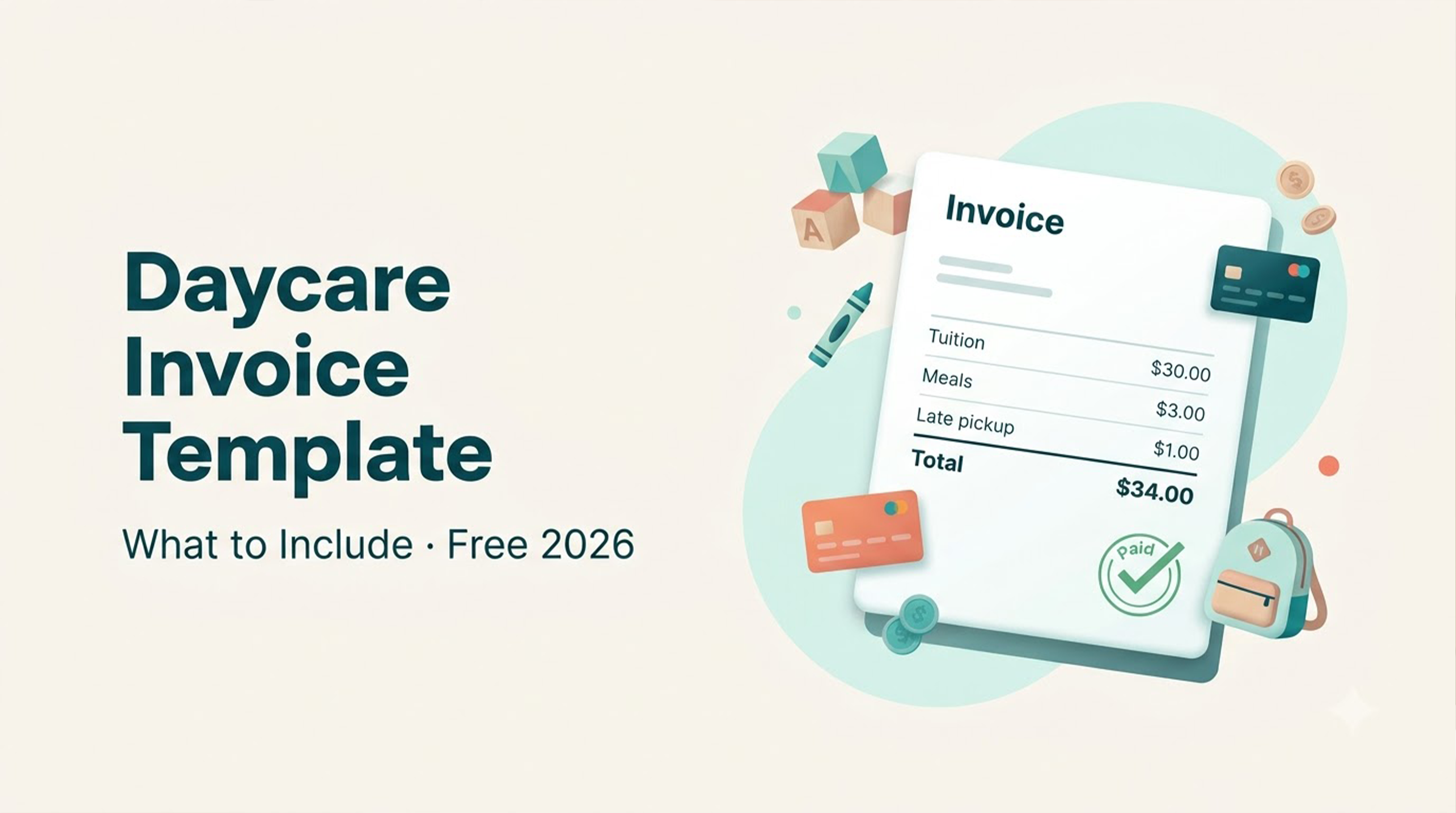
See free daycare software for home-based providers for what is included at no cost, or our free daycare invoice template if you would rather start with a document than software.
How to choose billing software for your centre
Does it split subsidy co-pays?
If you accept CCDBG, CCAP or state vouchers, ask this first. Software that cannot separate the agency share from the family share will cost you hours every month no matter what else it does well.
Does it support ACH, or only cards?
Card processing costs more per transaction, and the gap grows with tuition size. ACH matters more than it looks on a feature list.
Is billing included, or an add-on?
Several platforms advertise a low base price and charge separately for full billing automation. Always compare the all-in number for your actual enrollment.
What does migration cost?
Moving families, rate plans, discounts and payment history is the real switching cost. Ask whether it is done for you and whether it is charged.
Do you need accounting as well as billing?
Billing collects money from families. Accounting tracks where it goes. If you need both, see childcare accounting software.
Frequently asked questions
What is childcare billing software?
Childcare billing software automates parent invoicing, recurring payments, late fees, discounts and year-end tax statements for daycares, preschools and after-school programs. You set a rate plan once and the system generates invoices, charges the family, applies late fees when a payment fails, and logs everything to a ledger.
Is there free childcare billing software?
Yes. MyKidReports is free forever for centres with up to 5 enrolled children, including recurring invoicing, ACH and card payments and automated reminders. It is built for home-based and family childcare providers.
Can childcare billing software split subsidy co-pays?
Good billing software calculates the family share and the subsidy share separately on each invoice, covering CCDBG, CCAP and state voucher programs. MyKidReports handles subsidy co-pay splitting alongside sibling, staff and scholarship discounts.
Can parents pay by bank transfer instead of card?
Yes — MyKidReports supports ACH bank payments as well as credit and debit cards. Families pick their method at signup and can change it in the parent app.
Does it generate year-end tax statements?
Yes. Each family gets a year-end childcare payment statement showing your EIN and total paid, which they download themselves for dependent-care FSA or tax filing.
How long does it take to switch?
Ask any vendor to quantify it. With MyKidReports the team imports families, rate plans, discounts and payment history from your current system at no extra cost, so you keep collecting on schedule during the move.
Ask every vendor these five questions
Is billing included on my plan, or is it a paid add-on?
Can you split subsidy co-pays automatically?
Do you support ACH as well as card payments?
Is there a per-staff fee, a setup fee, or a contract?
Who performs the migration, and what does it cost?
Automate billing — start free →
Free for up to 5 children. No card required, no contract.